
Create an account
Quord is free for players. One account lets you find clubs, book courts and pay online.
Sign up
Section titled “Sign up”-
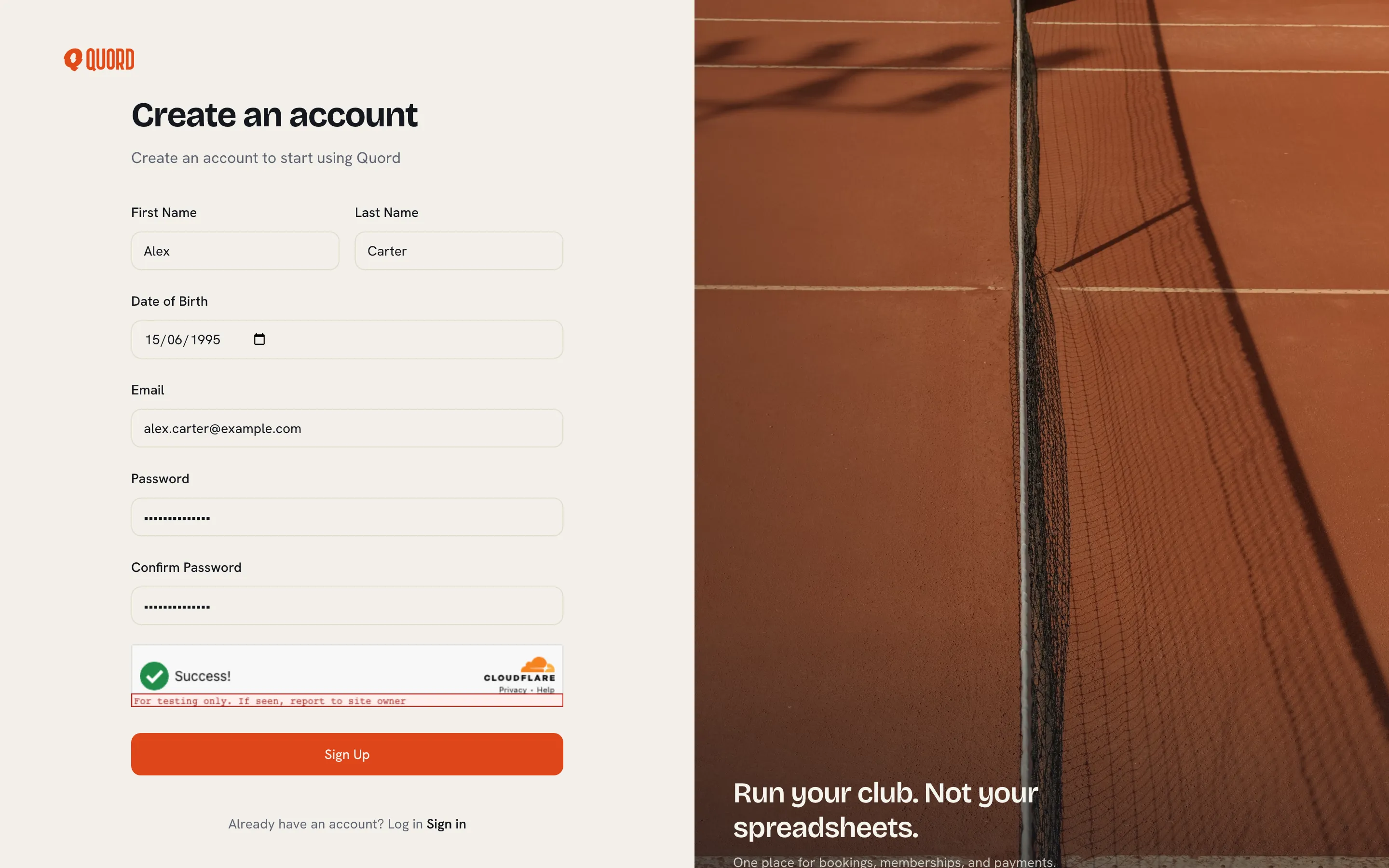
Open the signup page. From the login page, choose “Sign Up”.
-
Fill in “First Name”, “Last Name”, “Date of Birth” and “Email”.
-
Choose a “Password” of at least 8 characters and repeat it under “Confirm Password”.
-
Select “Sign Up”.
When you see “Account created successfully”, choose “Go to login” and sign in with your new details.
Log in
Section titled “Log in”Enter your email and password, then select “Sign in”. If the details don’t match, you’ll see “Invalid email or password”.
Reset a forgotten password
Section titled “Reset a forgotten password”-
On the login page, choose “Forgot your password?”.
-
Enter your email and select “Get reset link”.
-
Open the email Quord sends you and follow the link.
-
On the “Create new password” page, enter a new password twice and select “Reset password”.
Then log in with the new password.
Arriving from a club invitation
Section titled “Arriving from a club invitation”Clubs can invite you to join by email. The invitation link brings you to Quord:
- If you don’t have an account yet, choose “Create my account”. The signup form opens with your email pre-filled and locked (“Use the email this invitation was sent to.”). Complete the other fields and select “Sign Up”.
- After signup, choose “Log in to accept invitation”. Signing in returns you to the invitation so you can accept it and pay if the plan requires payment.
- If you already have an account, choose “Sign in” instead and accept from there.
See Join a club for what happens when you accept.