Book a lesson
Some clubs offer one-to-one lessons with their coaches. You’ll find them on the club’s page under the “Coaches” tab, each with their sports, a short bio and a “from” price. Choose Book a lesson to start.
Book and pay
Section titled “Book and pay”-
Choose a lesson under “Choose a lesson”. Each option is a length and a price, set by the club.
-
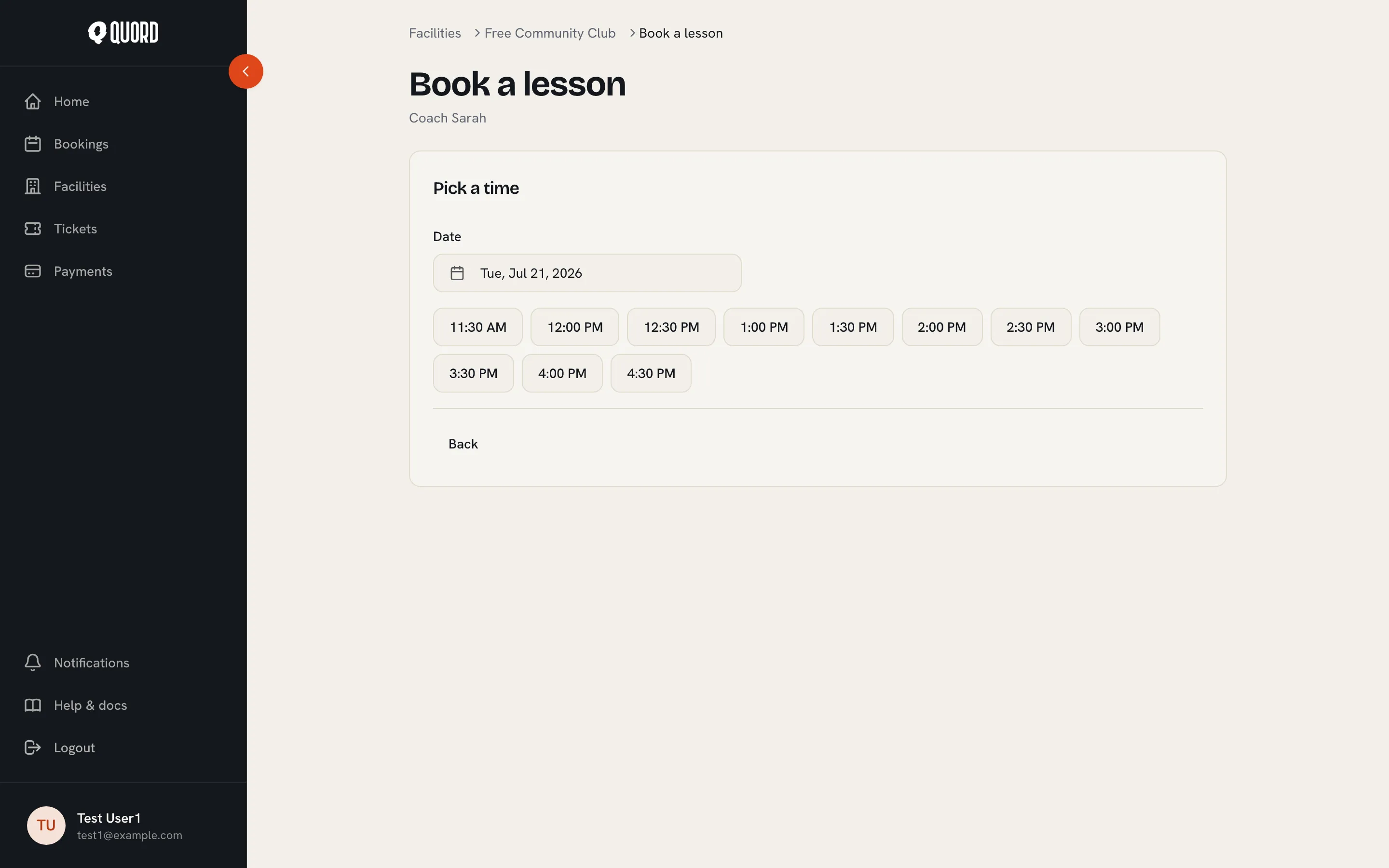
Pick a time. The times shown are the ones where the coach and a court are both free; a booked slot disappears for everyone else.
-
Review and confirm. You can add Additional participants, members or guests joining you on court. For a free lesson, Confirm booking finishes it. For a paid one, you’re taken to a Stripe payment page; payments are processed by Stripe, and Quord never sees your card number.
An unfinished checkout holds the slot for about half an hour, then it is released and nothing is charged. Once payment completes, the lesson is confirmed and you get the usual booking confirmation email.
Your lessons
Section titled “Your lessons”Lessons live in your bookings, marked with a “Lesson” badge and the coach’s name. Cancelling works like any other booking, inside the club’s cancellation window; a card payment is refunded automatically. A lesson’s time can’t be changed, so to move one, cancel it and book a new slot.