
Profile and settings
Click your name at the bottom of the sidebar to open “My Profile”. Settings are grouped into sections down the left.
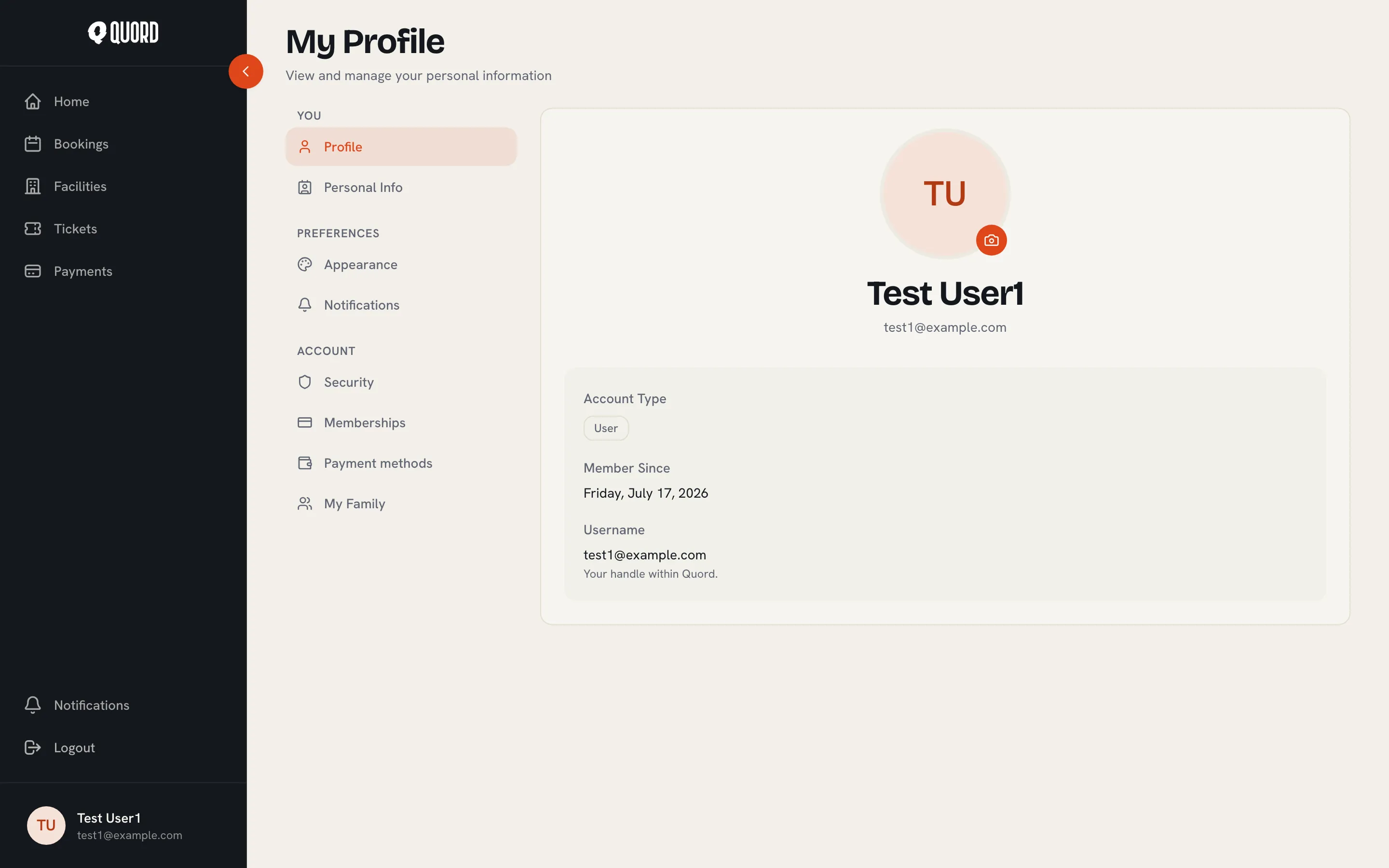
“Profile” holds your photo and “Quord tag”, the short code a club can use to find you when adding you as a member. “Personal Info” holds your name, phone number, date of birth, gender, location and favourite sports. Your email can’t be edited here: “Email is your sign-in identity. Contact support to change it.”
Preferences
Section titled “Preferences”- “Appearance”: pick a “Theme” (“Light”, “Dark” or “System”) and a “Language” (“English” or “Spanish”). Changes are saved automatically.
- “Notifications”: choose what reaches you by “Email” and “In-app”, per topic: “Bookings” (confirmations and cancellations), “Memberships” (activations, renewals and cancellations), “Payments” (receipts and failed charges), “Reminders” (a booking reminder about a day before it starts, and a renewal warning in the week before your membership ends) and “Club announcements”. Critical messages are marked “Always on” and can’t be silenced. Reminders are sent only by clubs on the Premium plan.
Account
Section titled “Account”- “Security”: “Change password” asks for your current password and a new one; afterwards you sign in again on all devices.
- “Memberships”: every club you belong to, with its status. Click one to open that club’s Membership page.
- “Payment methods”: your saved cards, managed through a Stripe-hosted portal. See Payments.
- “My Family”: appears when a club you belong to offers family memberships. Add dependants with “Add dependant” (name, date of birth, relationship, and a guardianship confirmation). You can then book courts and buy event tickets on their behalf.
Delete your account
Section titled “Delete your account”At the bottom of “Security”, under “Danger zone”, choose “Delete account”. The dialog lists exactly what will be removed, then asks for your current password and your email typed out to confirm.
Deletion is permanent: your account, bookings and memberships are removed, and active subscriptions are cancelled. Payment records are kept anonymised for tax and accounting.
Your data
Section titled “Your data”You can request a copy of everything Quord holds about you (profile, memberships, bookings, payments) by contacting support. Erasure requests that go beyond self-service deletion, a child’s managed profile for example, also go through support and are honoured within one month.